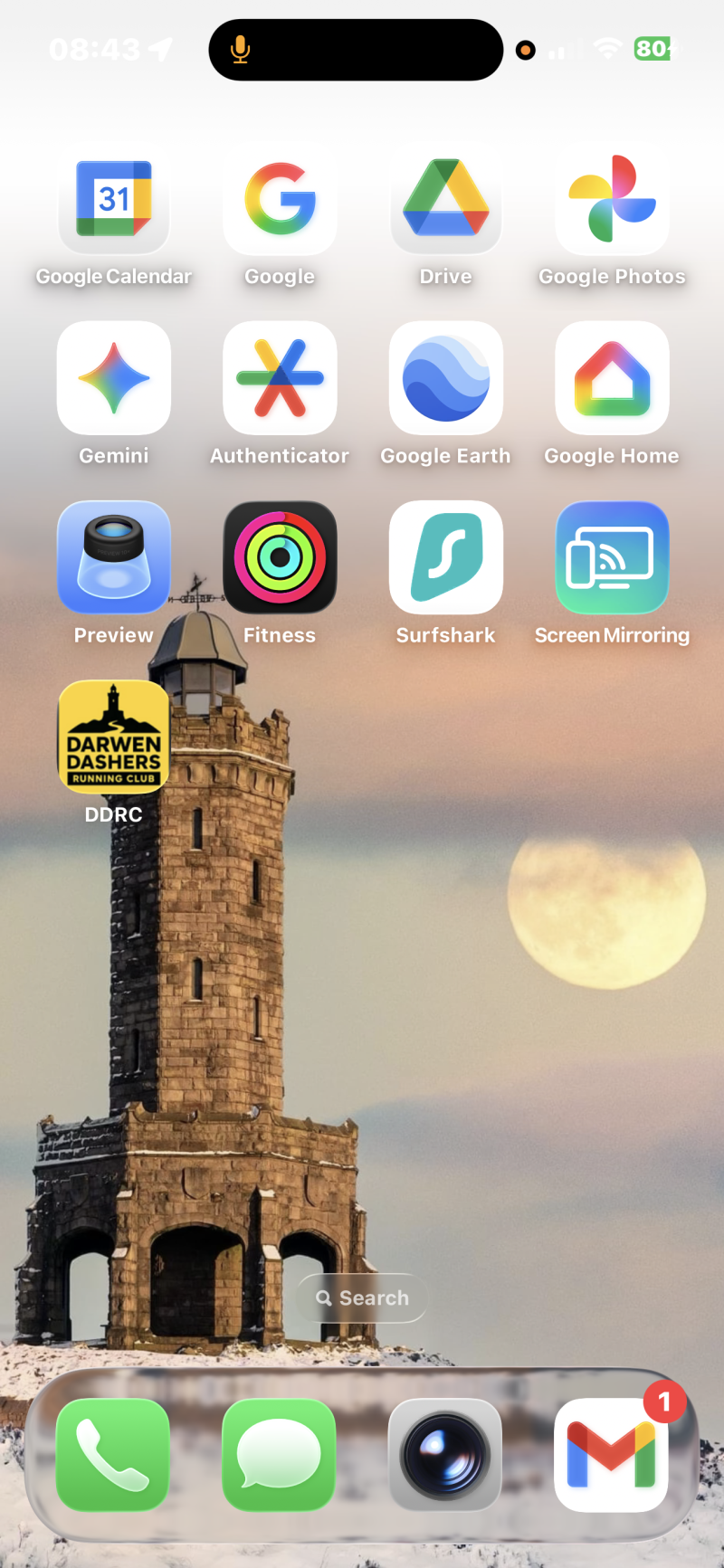
IOS Instructions for adding the website to your phone and also the DDRC Calendar
Add the Website to your IOS Homepage
1) Open the site in your Safari Browser
2) Once opened, click the on the three dots on the bottom right of the screen
3) Select Share
4) Scroll down to Add to Home Screen
5) Enter the name you want displaying – Suggest “DDRC” due to character limits
6) Save and done
Add the Dashers Calendar to you own
1) Open the calendar on your phone
2) Bottom right you will see a “+” icon to select
3) Allow Google Full Access
4) This should open you own calendar and add – If not, press + when your own.
Anyone have instructions for Andriod?
Please send them to me and i will add them
Thanks, Mark
taylorjmark75@gmail.com